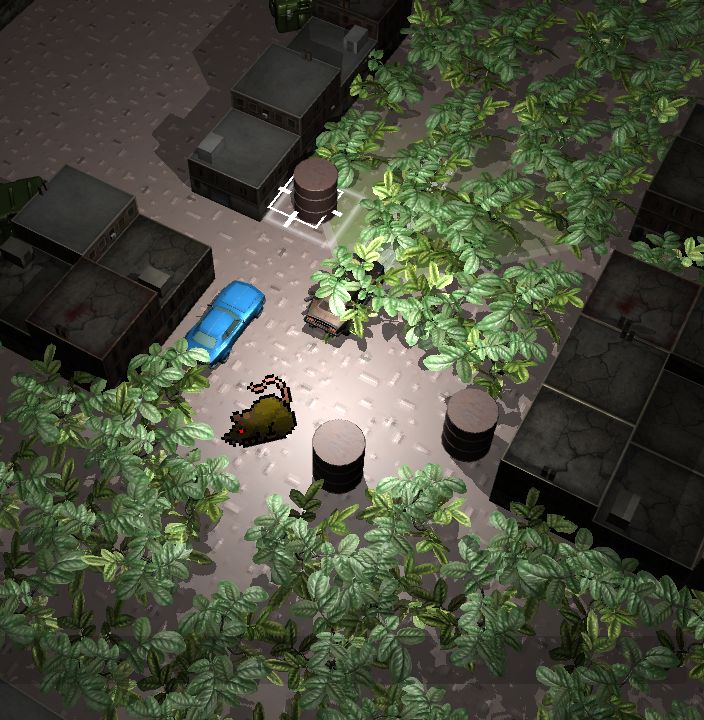
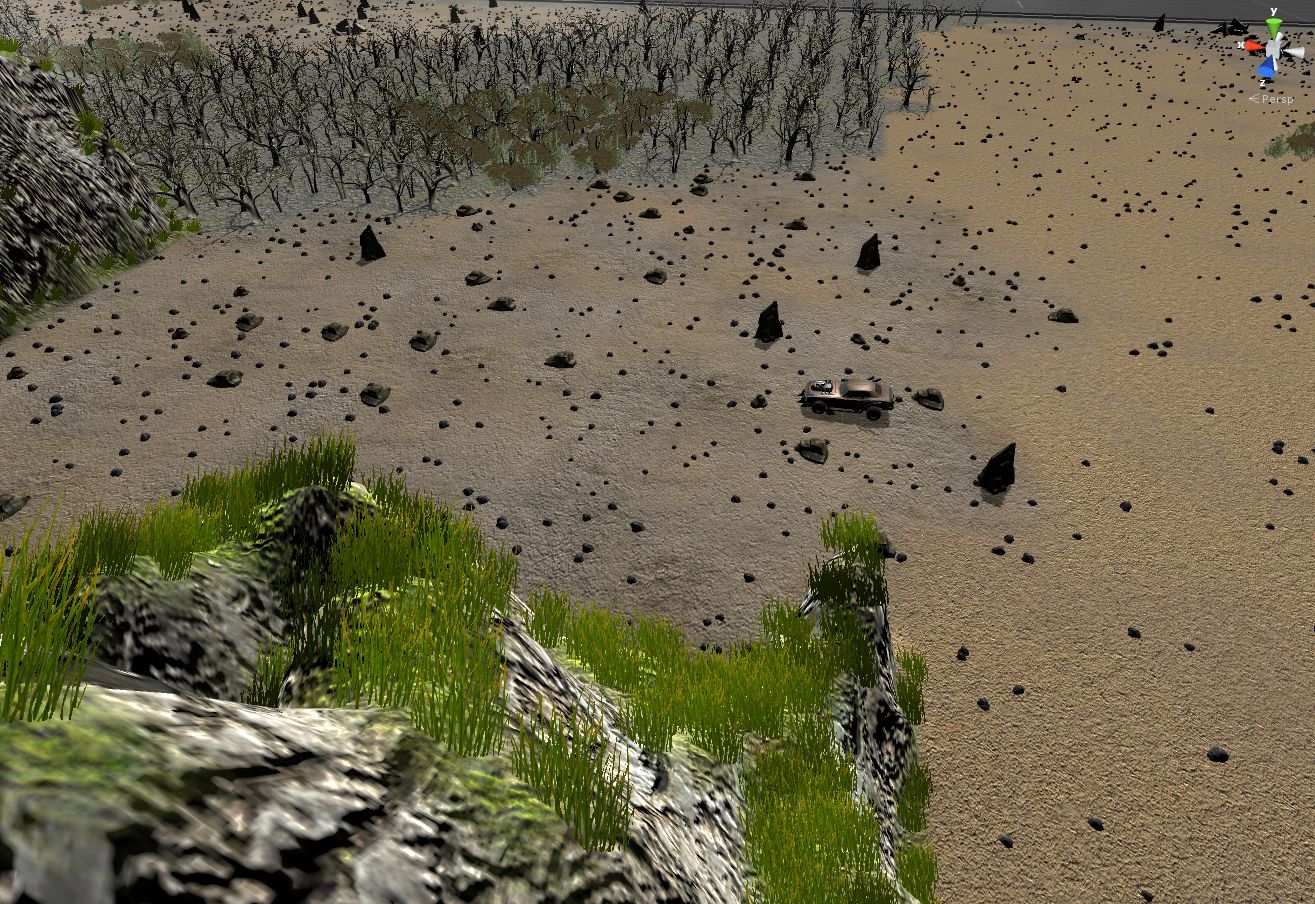
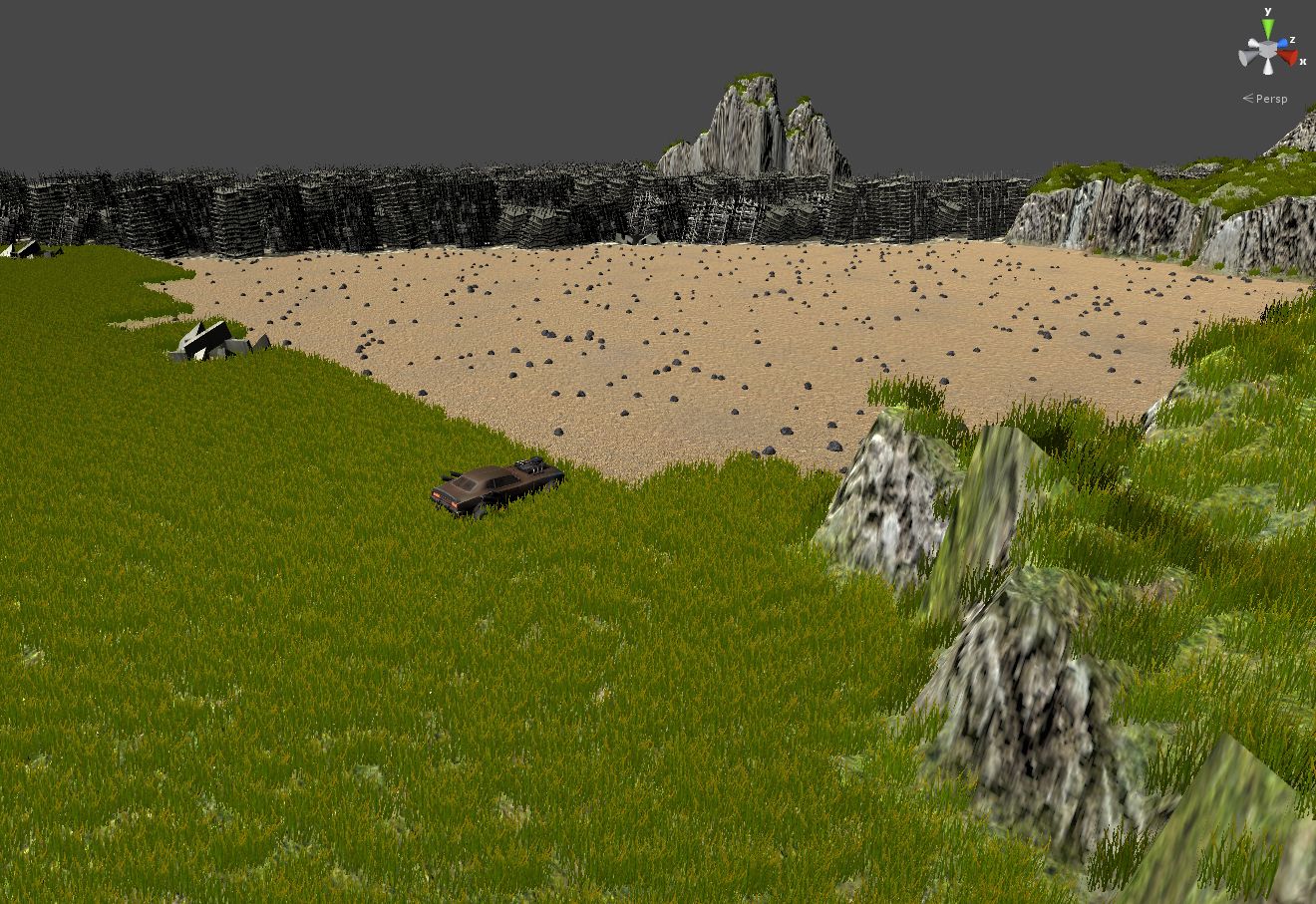
The Unity Asset Store is a great temptation at all times, cleverly one click from my development environment.  When you’re stuck in the dregs of some less-than-glamorous code snarl, it becomes the devil.  An Asset Store 24-hour sale are basically late-night Ronco TV ads for game developers.  Just 10 bucks for the next 2 days!  30% off!  But hey, this might be just the thing your game needs to be awesome…
Recently I bought a Volumetric Clouds package, hoping that I could get some cool, turbulent cloud cover with shadows over my landscape as the player wanders around.  Looks pretty good, but my poor frame rate just couldn’t handle it, especially at high resolutions.
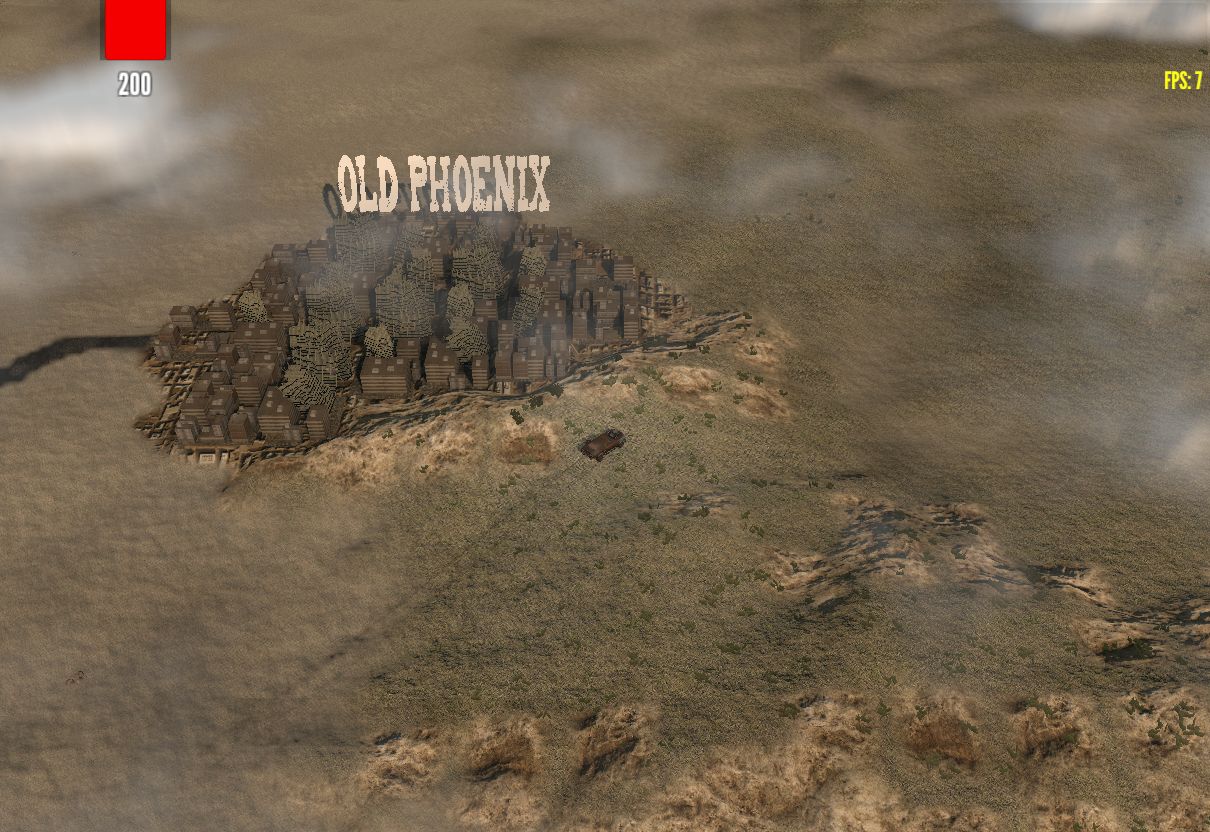
The solution involves a sweet technique of rendering many layers of a noise texture so it piles into a volumetric shape.  It seems to run pretty well for ground scenes looking up at the sky, but for my particular situation it didn’t quite fit.  Maybe I can’t use it for Auto Fire, but it’s a clever enough solution that looks great in a lot of cases, so I don’t feel too bad supporting the creator.
I don’t want to obscure the map features anyway, so just shadows would probably do the trick.  I might be able to do an extremely cheap version of the shadows with some some screen space projection instead…  but there are a hundred other things to do first.
I stumbled on another Unity sale recently that dangled a plugin called Beautify in front of me.  “Add a pro look!  Punch up your colors!  See the detail!”  I couldn’t help but bite, because I’m always wondering what I can do to eliminate the muddiness that I sometimes get with Unity, especially when I shrink assets that are intended to be experienced at realistic sizes.
A good chunk of what Beautify does is apply a sharpen post-process, along with some LUT’s to enhance some coloring.  I must admit there’s an appeal to seeing those shrunken assets appear sharper against the terrain or ground surfaces.  (You’ll probably have to click to see the difference).
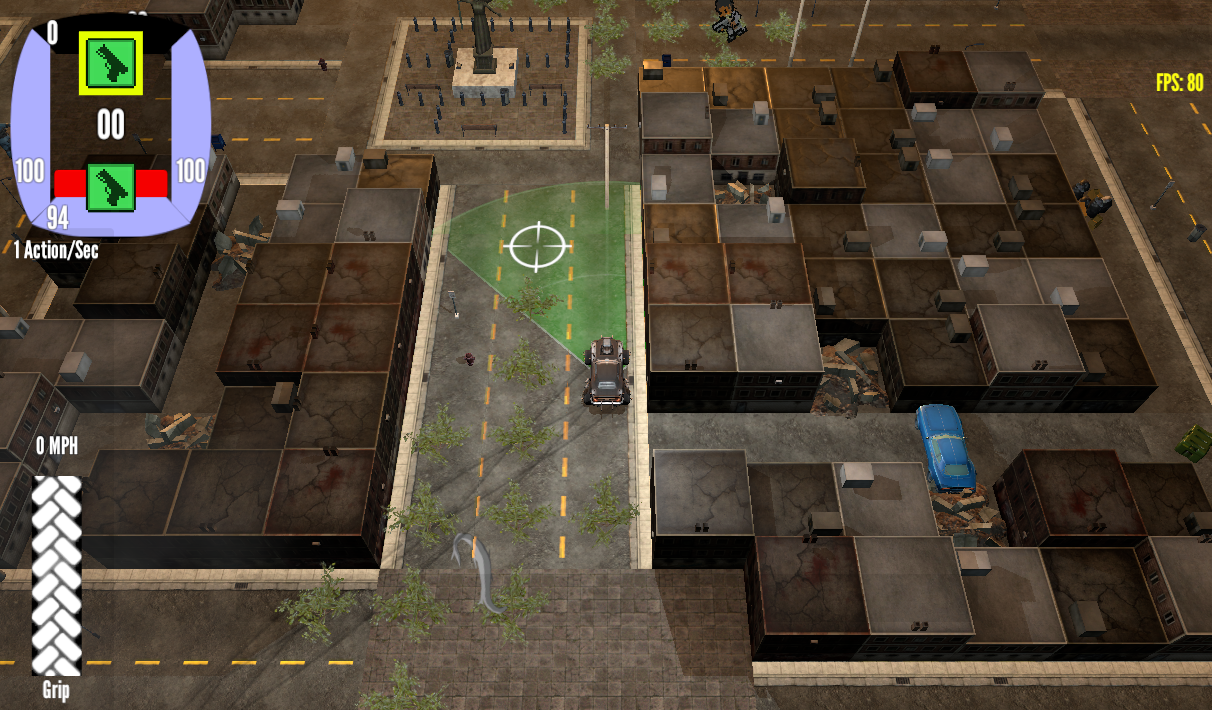
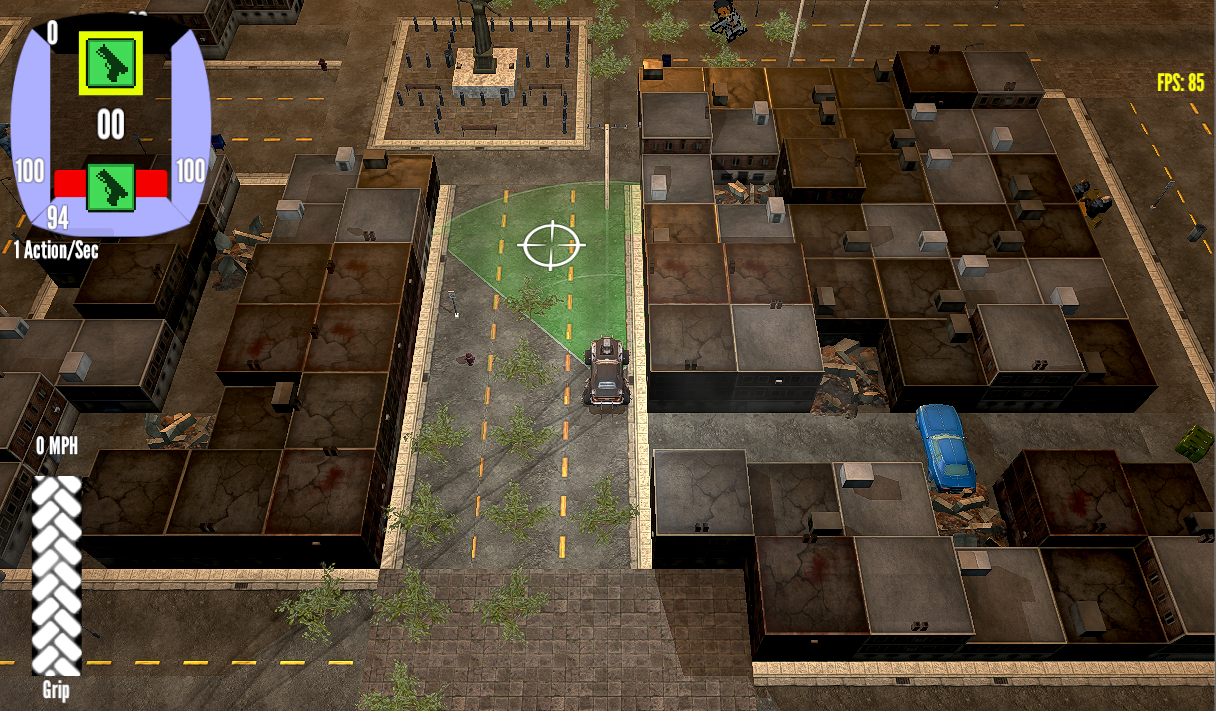
It punches everything up and everything gets a nice feel in comparison.  However, it uses a sharpen filter, so I have to balance its use versus all the work built-in antialiasing does.  So, while it helps eliminate some of the muddy appearance (something I equate with unpolished products), it adds a lot of shimmer and harsh pixels (something I equate with unpolished engines).  In the end I probably just need some lighting help from a real artist. 🙂
Anyway, I can turn down the sharpen or nix it if I want, which is good because I like the results Beautify gives me with color.  It’s also got sweet bonus night vision and thermal views.
Nonetheless, I’m still looking for the right combination of lighting and filters to attain the pro look I’m after.  The quest continues…  and my wallet fears the night.
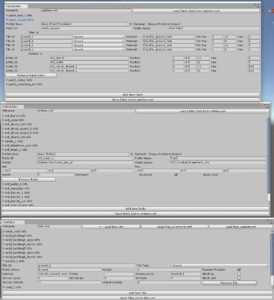
 The patch system has a lot of additional features yet to do.  For example, allowing the definition of patches in a nine-slice style where I can scale them to an arbitrary size with consistent edges.  This would allow me to create arbitrary-sized plazas, but more importantly, I can create a road patch that has signs, lights and various elements on it, that scales according to the length (and width if desired) of the road.
 I didn’t expect to get dragged into city decor so early in AutoFire’s development.  It’s certainly a topic of interest to me, but the push in that direction really came from trying to find props for the game.  My 7DRL city was fine, it was basically a dungeon.  A dungeon can be a twisty maze of passages and hallways don’t necessarily need a specific direction of travel defined.  However, it felt like 90% of modern-day props required placement with some thought…  You can’t just sprinkle in mailboxes, street lights and stop signs via Random.Range(0, size)…  There needs to be established clusters and strips of materials.  I can construct hand-built areas anyway, but to extend everything into procedural town I’m pushing the limit of my limited home-grown tools.
 I’m quite aware that I’m running the risk of entering a bottomless pit of effort…  Making a city look like a city is hard, and many games make that their only thing, whereas I have
I’m quite aware that I’m running the risk of entering a bottomless pit of effort… Â Making a city look like a city is hard, and many games make that their only thing, whereas I have